
Retouch skin.
Keep the human.
Blemishes gone in seconds — with real texture, every facial feature, and your photo's full original resolution left intact.
From $9/mo · Start with 5 free retouches
- Full-resolution export
- Batch process entire sessions
- Free trial included — no credit card
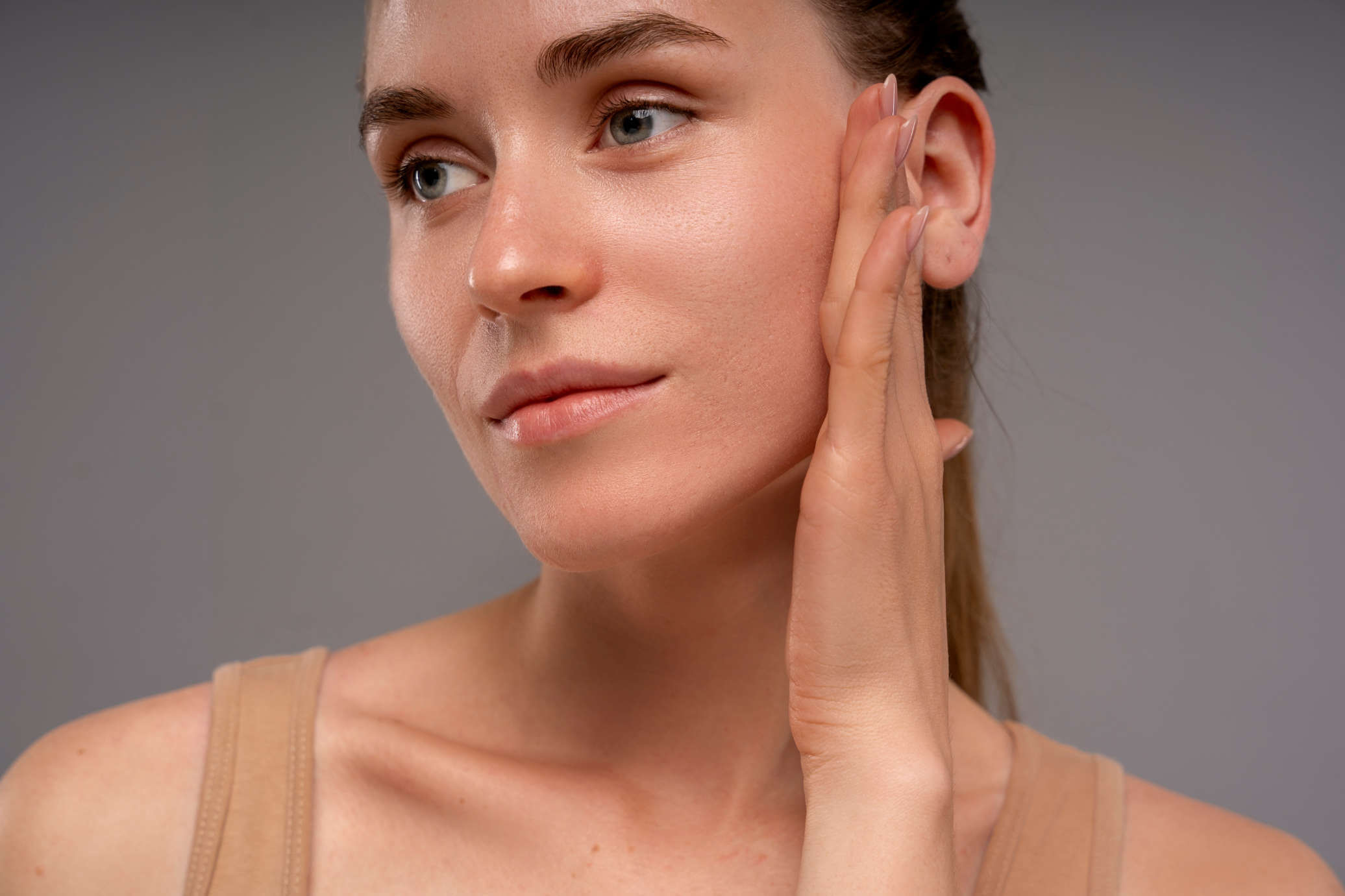
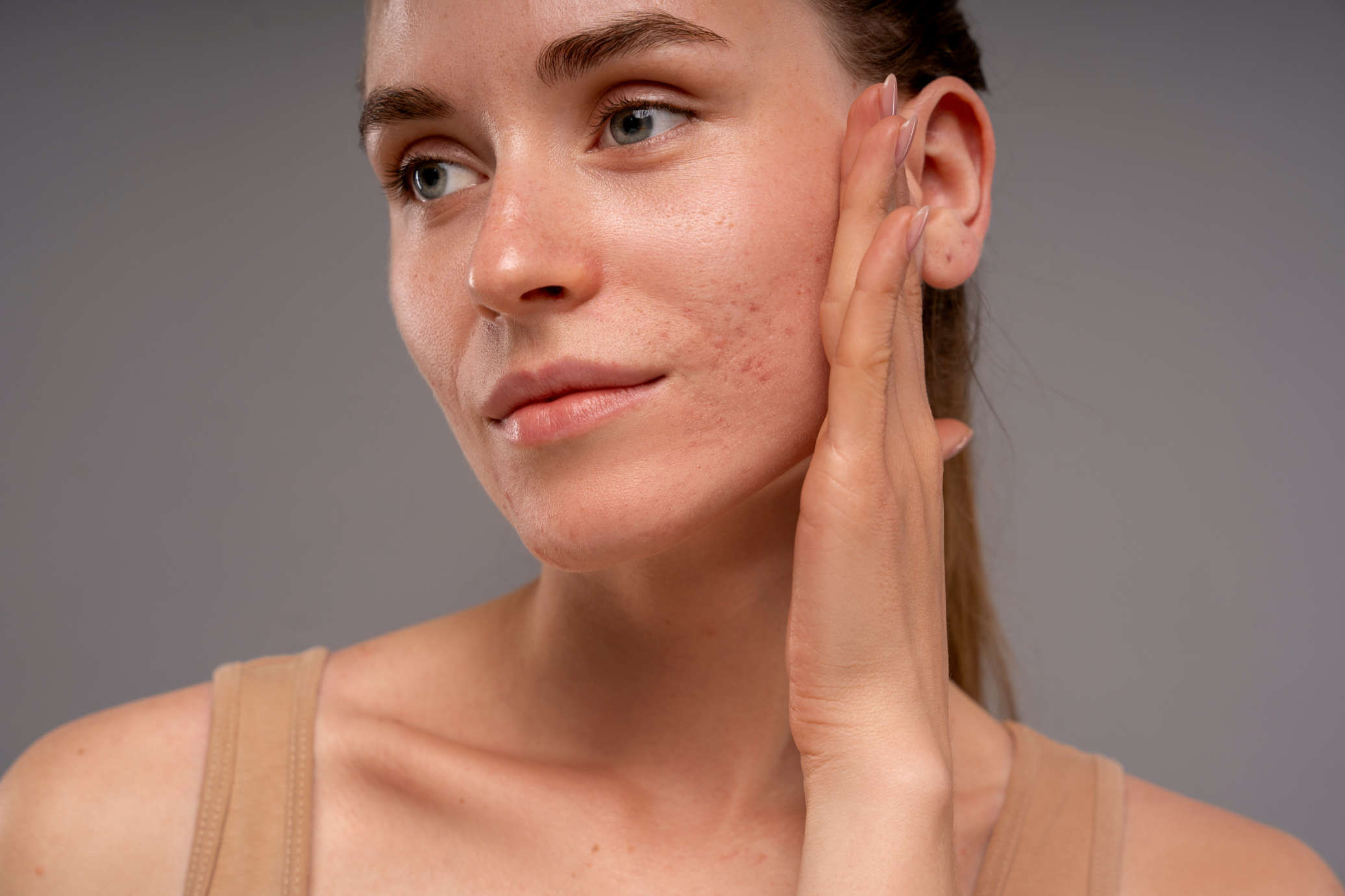
Photographers, we got you covered
Built for the whole shoot.
Headshots, weddings, a handful of selects. One click handles the skin.
Skin retouching that still looks like skin
One click takes care of acne, redness and blemishes. Pores, freckles and moles stay put. Missed a stray hair? Paint over it with the healing brush.
How AI skin retouching works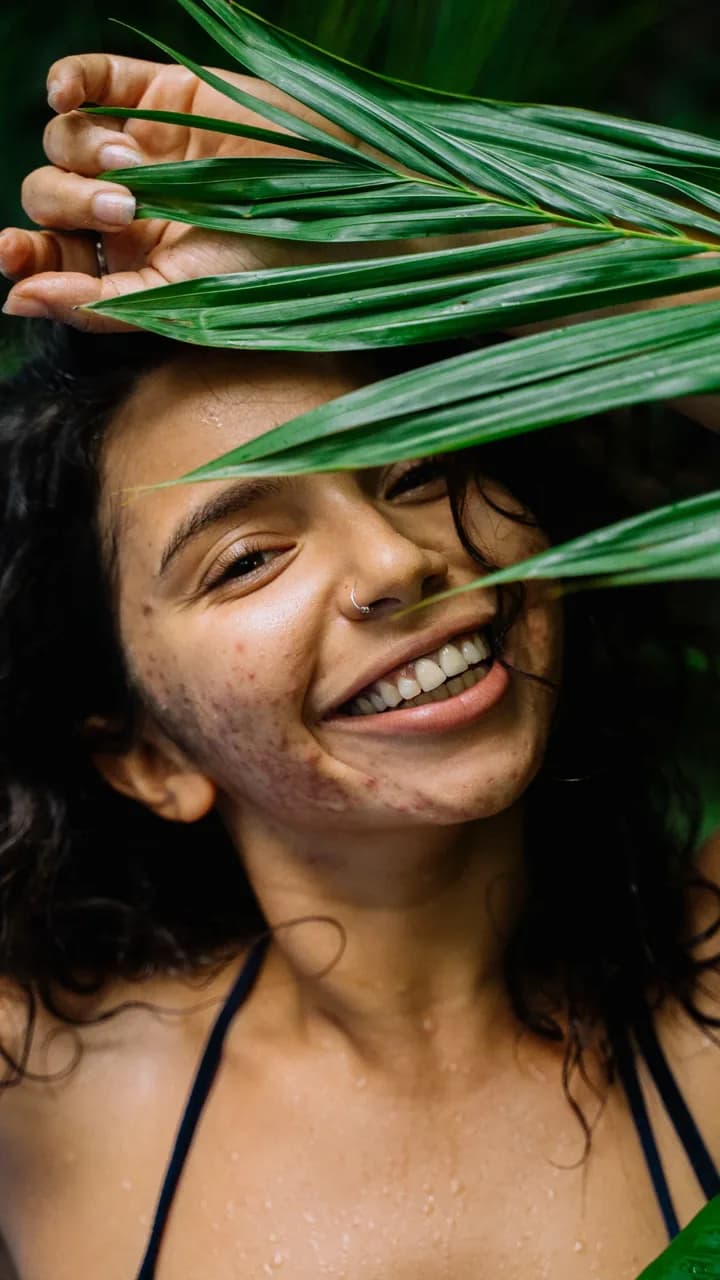 Before
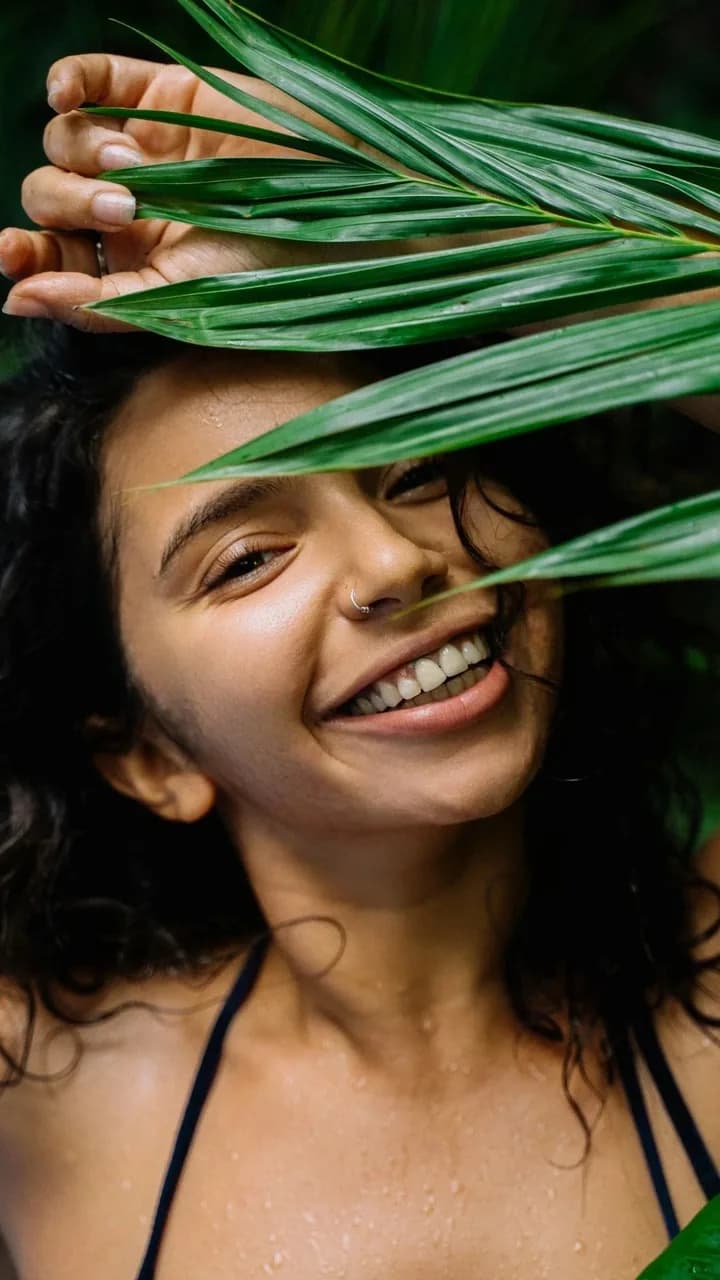 After
AfterColor correction and cropping, built in
Warm up a cold window light, lift the shadows, straighten a tilted frame. The quick fixes happen here, and the export stays full resolution.
Finish the portrait with a look
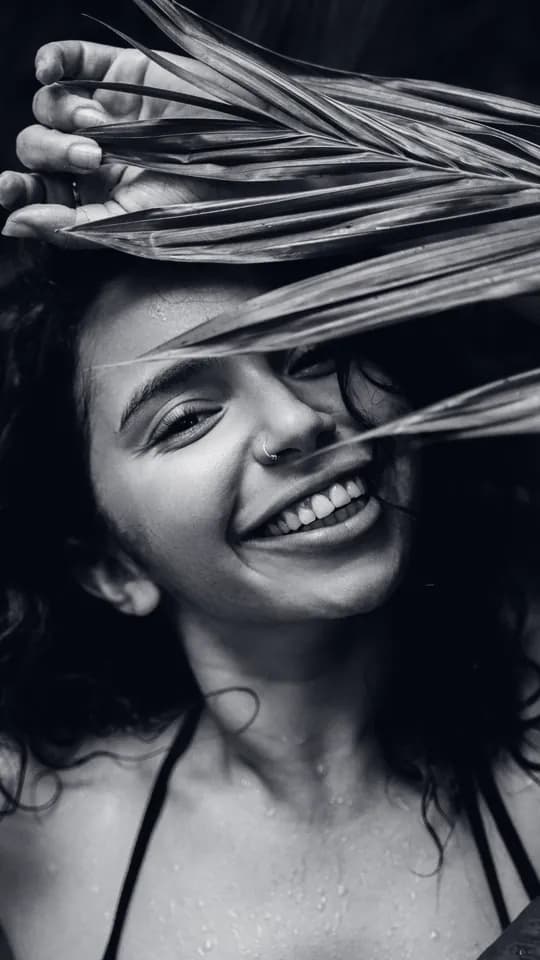
Gold Hour for warm, glowing skin. Noir for a punchy black and white. Linen for a clean, airy wedding feel. Each one previews on your own photo.
And everything around it
Identity preserved
Only skin is touched. Features, expression, and likeness stay exactly as shot.
Bulk retouch
Queue an entire shoot and let it process in the background while you work.
Your images stay yours
Retouch runs on self-hosted servers only — never used for AI training or shared with third-party services.
How does it work?
See a full retouch, then go deeper.
Simple pricing
One simple plan.
/billed monthly
+ VAT where applicable
200 credits / month
Everything included
- AI skin retouch — automatic, one click (1 credit)
- Manual spot healing — precise blemish removal (1 credit)
- Unlimited projects
- 2 GB project storage
- Email support
- Top up credits anytime
Try for FREE, cancel anytime.
Need more credits? Top-ups start at $4 for 100.
Questions?
Frequently asked questions
Yes. The model is trained to remove blemishes and smooth uneven tone while keeping pores, fine lines, and natural skin detail intact. The result looks retouched by a human not over-processed.
No. Retouch only cleans the skin — blemishes, red spots, and uneven tone. Unlike other AI tools that generate a photo based on randomness, Retouch.to focuses just on imperfections, and returns the original image.
No. The retouched photo is exported at the same resolution as your original upload — no downscaling and no hidden compression.
Yes. Upload an entire shoot at once and Retouch will process all images in the background while you keep working on something else.
For skin retouching specifically, yes! It's much faster. What takes 10-20 minutes per image in Photoshop takes seconds here, with comparable quality. For full compositing or complex edits, Photoshop still wins.
Not directly. Upload a JPEG or PNG exported from your RAW editor (Lightroom, Capture One, etc.), retouch here, then bring the result back if needed.
Retouch aims for natural looking results, but prominent freckles may be softened depending on the image. We're actively improving this.
No. Your images are processed on self-hosted servers and are never shared with third-party AI services or used to train any model.