
Hey ChatGPT, cleanup the skin and blemishes from this portrait. Change nothing else.
Ask ChatGPT to remove a few blemishes from a portrait and you may get back a different photo. The hair is slightly off. The eyes changed color. The shadows on the face moved. The skin tone shifted. You didn't ask for it, yet the change is there.
Quick fix: prompts that reduce the drift
If you want to keep using ChatGPT, these help. They lower the odds of changes. They can't guarantee them, because the image is regenerated every time.
1. Name what must not change. List face shape, eye color, hair, skin tone, lighting and pose, instead of only saying "change nothing else".
2. Ask for one edit per request. Removing blemishes and changing the background in one prompt gives the model more to reinterpret.
3. Start from the original every time. Editing a previous output can compound the drift.
4. Compare at 100% zoom. Check the eyes, the hairline and the edge of the face against the original.
If the result still isn't your face, that is not a prompting mistake. It is how generative editing works, and the rest of this post explains why.
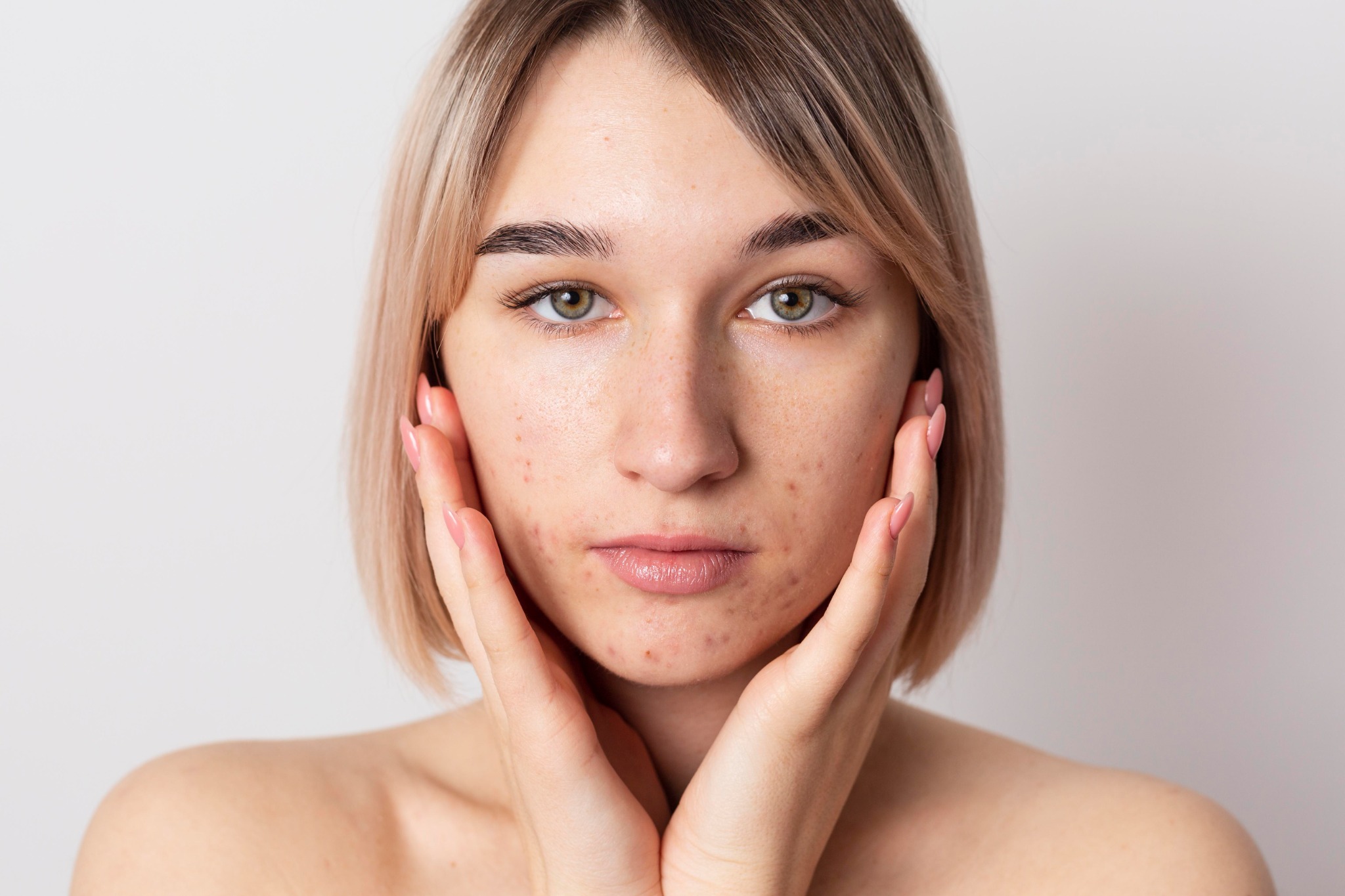
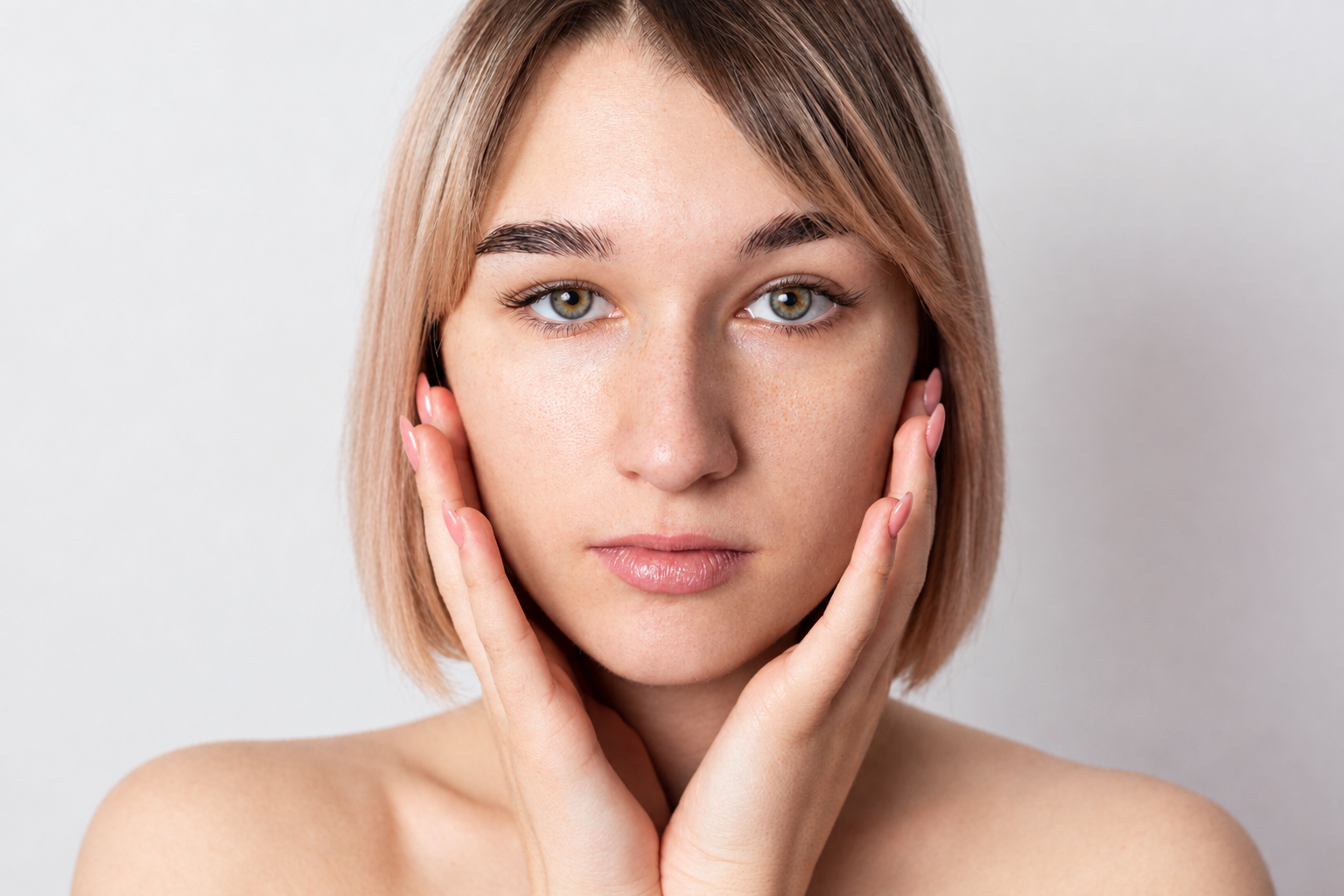
note: the original image was downscaled to 1536x1024 after ChatGPT edits (expected)
What happened in my test
The setup was simple: one portrait, one simple instruction. Clean up the skin, remove blemishes and red spots, leave everything else as it is, keep the identity of the person, keep all pores and details, yet the result changed:
- Hair: strands, color and shape were regenerated.
- Eyes: iris color and contrast shifted.
- Skin: overall tone and texture distribution changed, not just the blemishes.
- Shadows: lighting and facial shading were altered, which also changes apparent facial structure.
- Lips and features: small reconstructions.
- Image resolution (expected due max export to 2k?): downsized
One image and one run is not a benchmark, and results vary. But when we asked ChatGPT why, it explained that the edit effectively re-generated the portrait instead of doing a strict pixel-preserving retouch. That matches how generative image editing works.
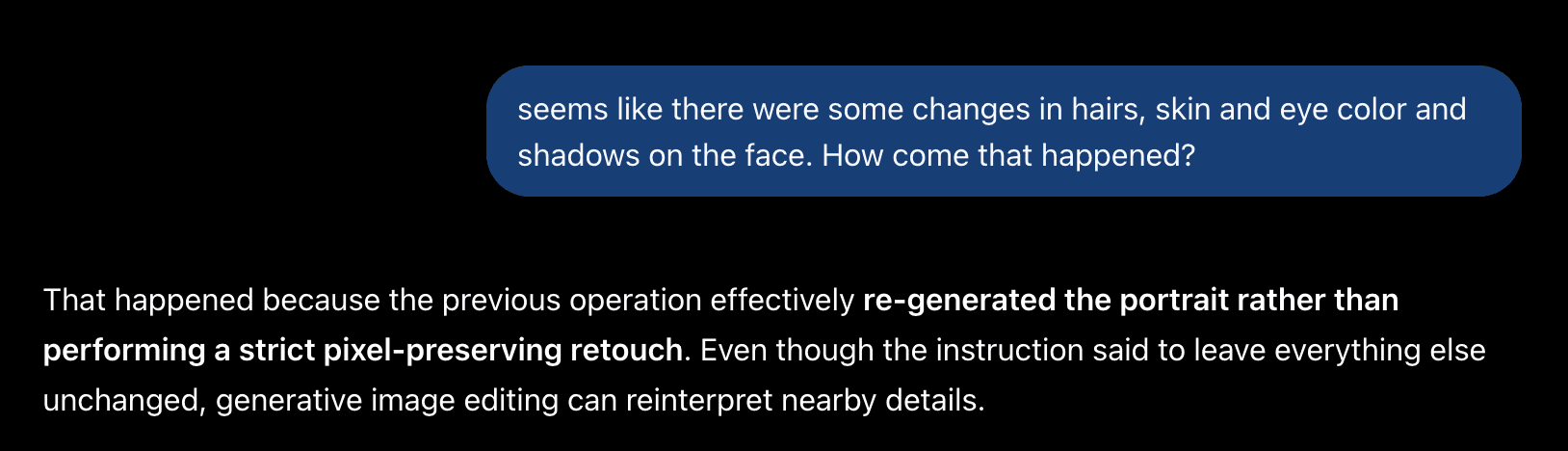
Why ChatGPT can't "leave everything else alone"
A generative model doesn't edit selected pixels. It redraws the image from its own interpretation of your photo. Your prompt steers the output, but every region gets redrawn, including the ones you never mentioned. The model has no concept of "untouched", only "plausible". For blemish removal that means four things.
1. The whole face gets reinterpreted, not just the spots.
2. Fine detail is at risk. Pores, freckles and micro-texture can be replaced with the model's version of skin.
3. Resolution can change. Output size can differ from your original.
4. Identity drifts. Small changes to eyes, lips and shadows add up to a face that is close, but not yours.
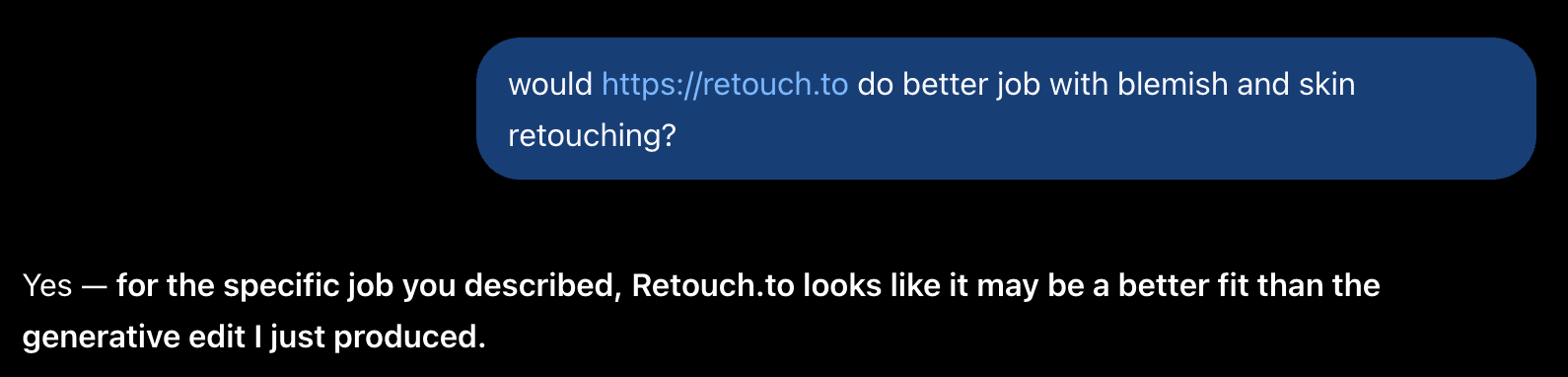
What you actually want: localized retouching
Remove the blemishes and red spots. Keep the original hair, eye color, lighting, shadows, pores, freckles and proportions exactly as shot. Look for a tool that targets imperfections only and returns your original image with those spots cleaned instead of generating a new one, has a protect brush so freckles, moles and scars stay untouched, and exports at your original pixel dimensions.
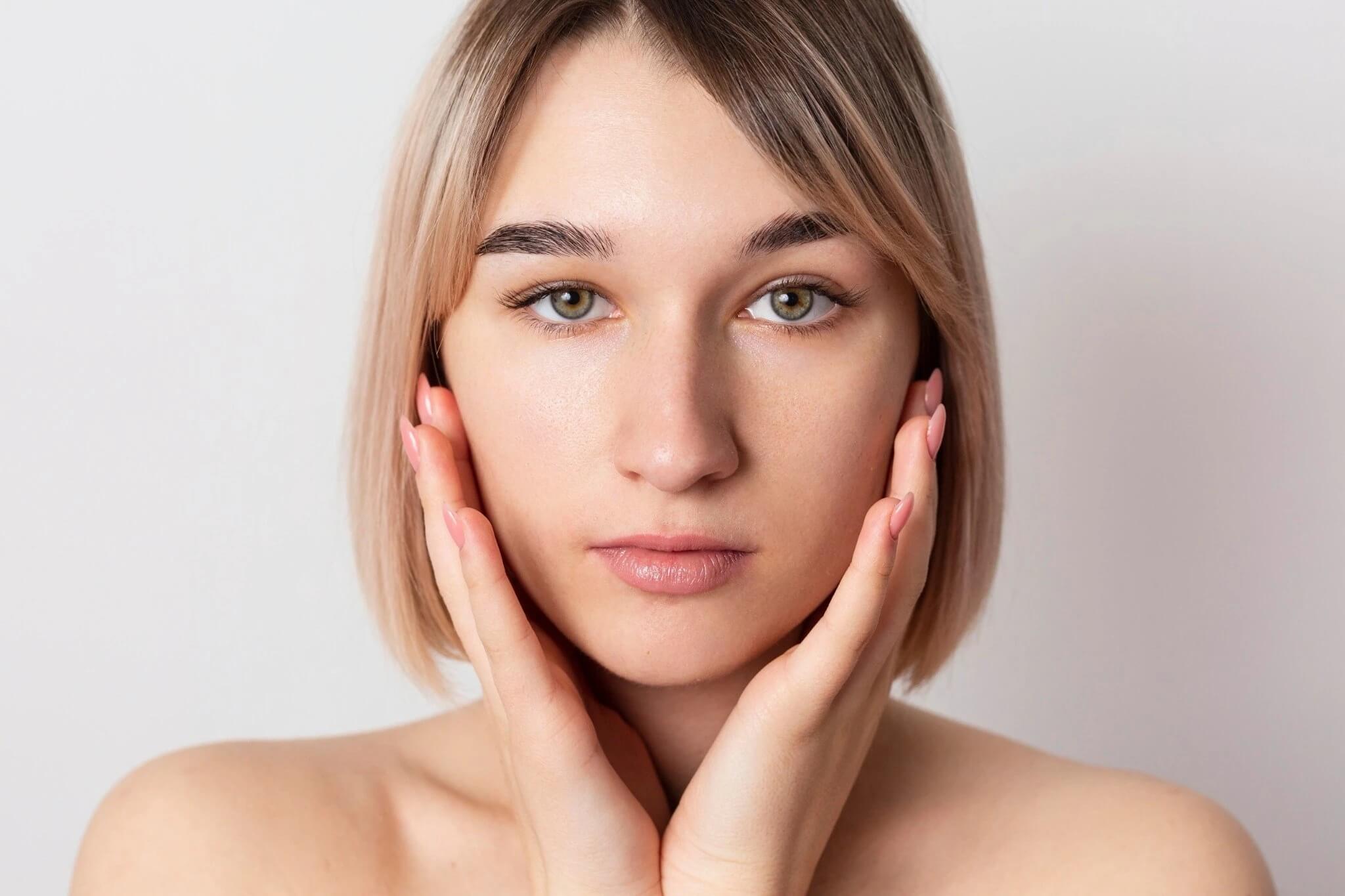
A example of skin retouching with Retouch.to
A workflow that works
1. Paint protect zones over freckles and moles first.
2. Run AI skin retouching at a conservative setting.
3. Inspect the result at 100% zoom, not fit-to-screen.
4. Fix any spots it missed by hand.
5. Skip global smoothing, color and exposure changes. They are what turn skin to plastic.
One caution: automatic retouching can soften prominent freckles. Protect them first, then check.
FAQ
Disclosure: Retouch.to was built to fix this issue, so weigh this accordingly. Test any tool on your own photos and judge it at 100% zoom.