
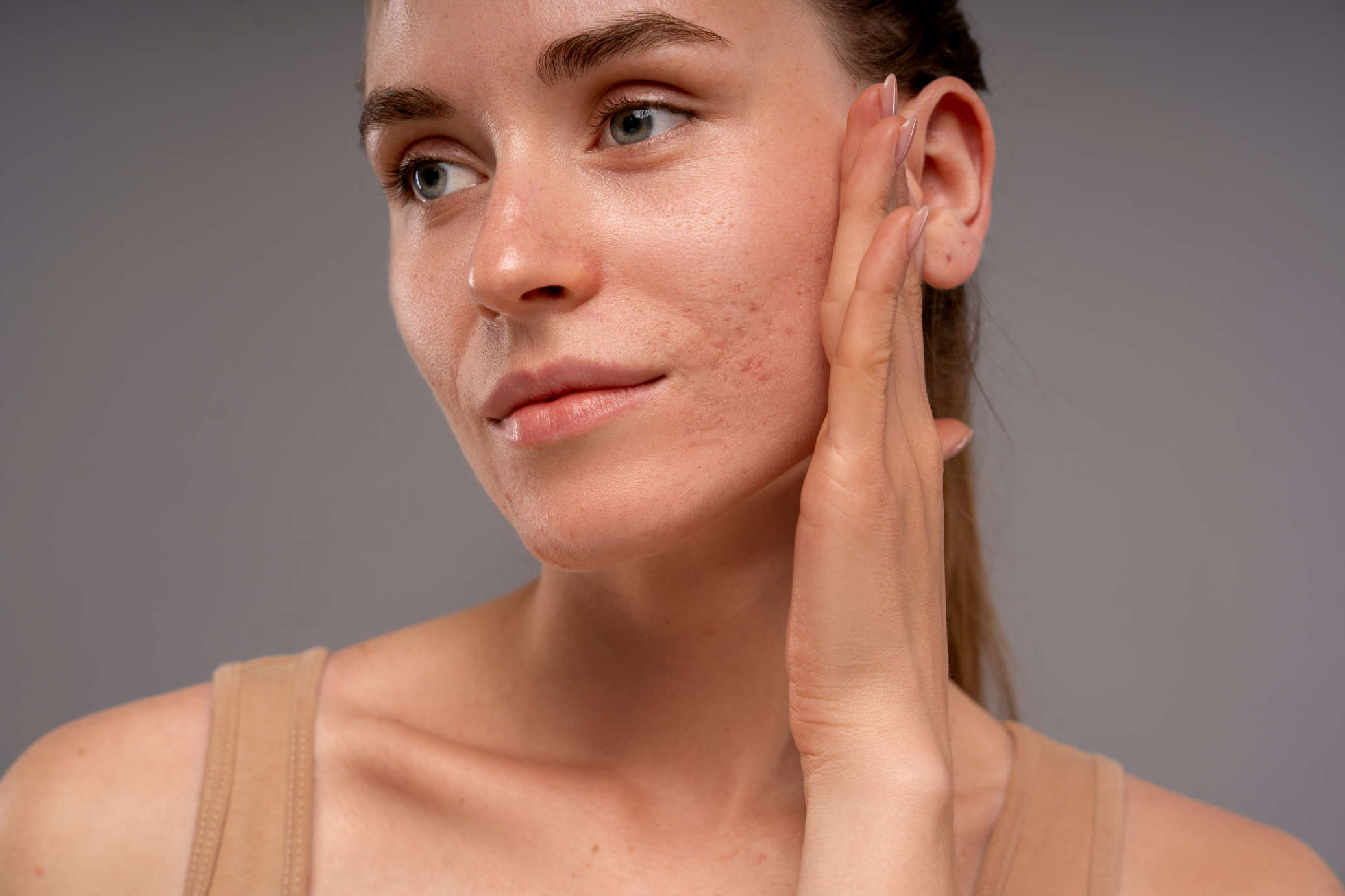
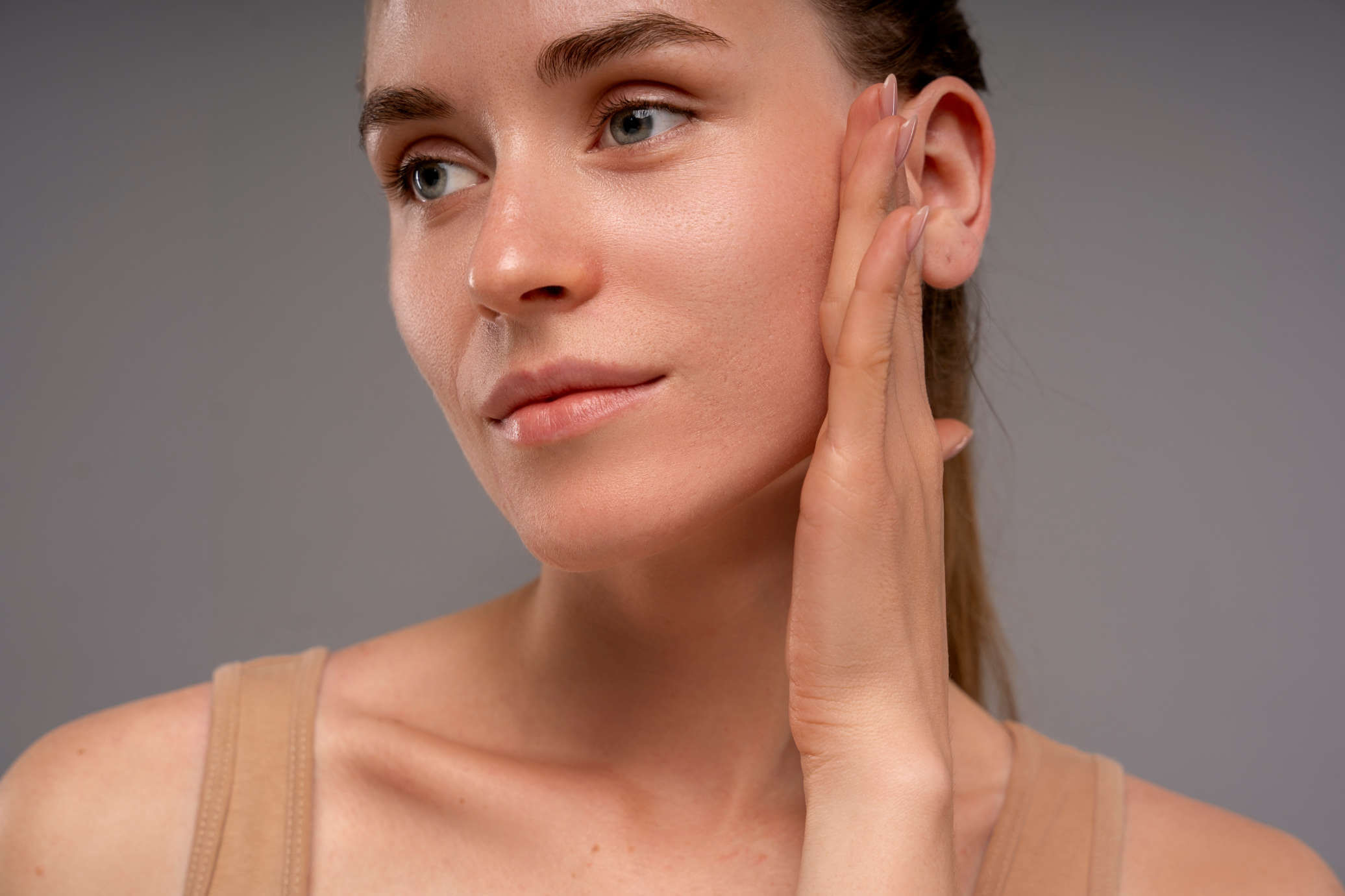
Retouch skin with one click.
The problem
Manual retouching is eating your time.
A typical portrait session produces dozens of selects. Retouching each one by hand in Photoshop takes hours you don't have, and most AI tools overcorrect, wiping out the natural features that make your subjects look like themselves.
Hours spent retouching skin, per session
Zooming in, healing, cloning. Careful not to flatten the texture. Then doing it again for 40 more images. It's the part of the job nobody talks about.
AI tools that change the person
Generative editors don't retouch your photo. They repaint it, and anything the model isn't told to keep is open to change: the jawline, the eyes, a mole, the real pores. The result looks polished but stops looking like the client, and clients notice, because they know their own face. Read more in why ChatGPT changes faces when retouching.
Downscaled exports
Consumer-grade tools compress or resize your images on export. You upload a 52MP file and get back a web-ready JPEG. Not useful for print clients.
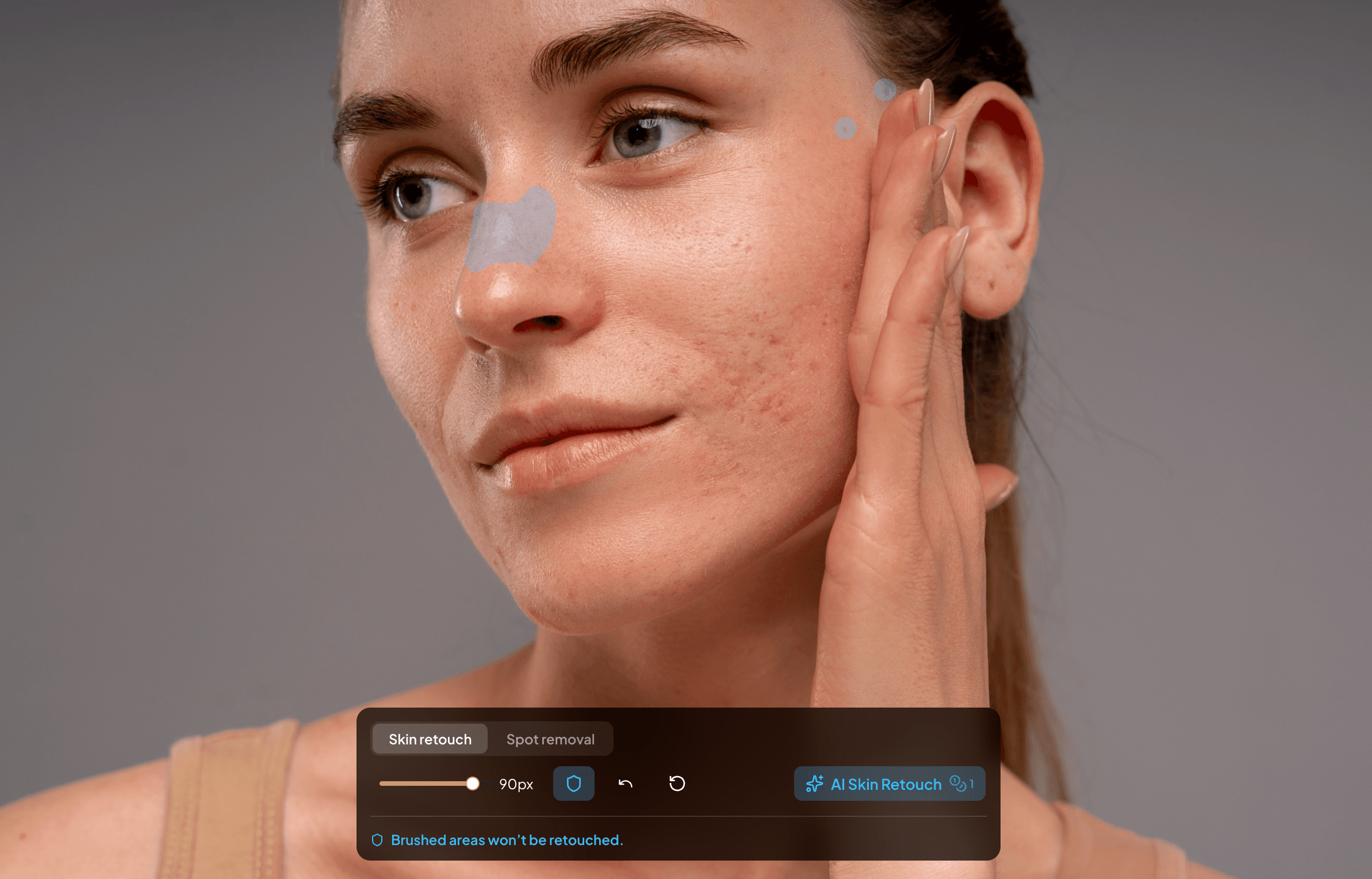
Preserve moles and birth marks
Batch retouch your session
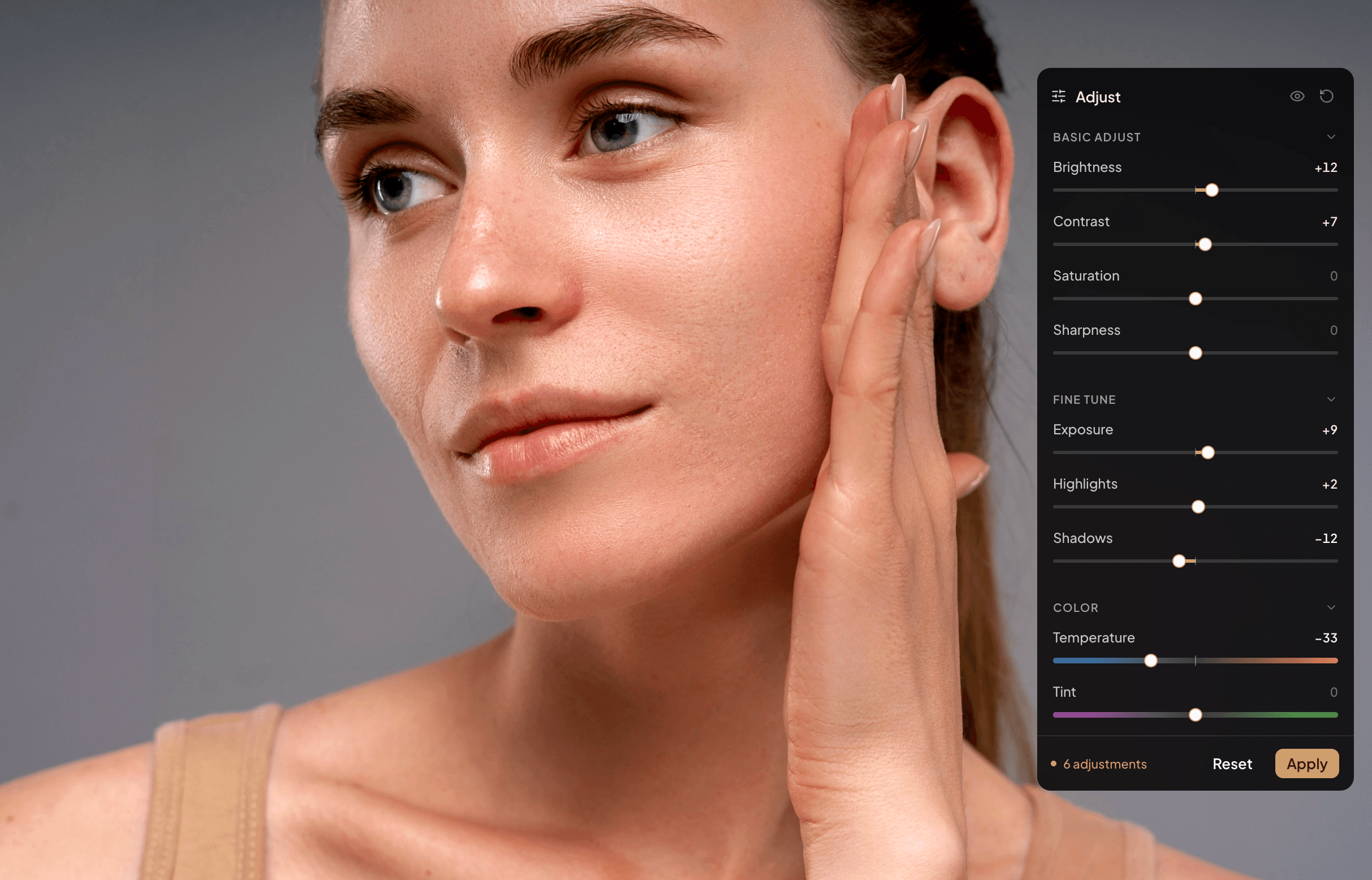
Exposure and color adjustments
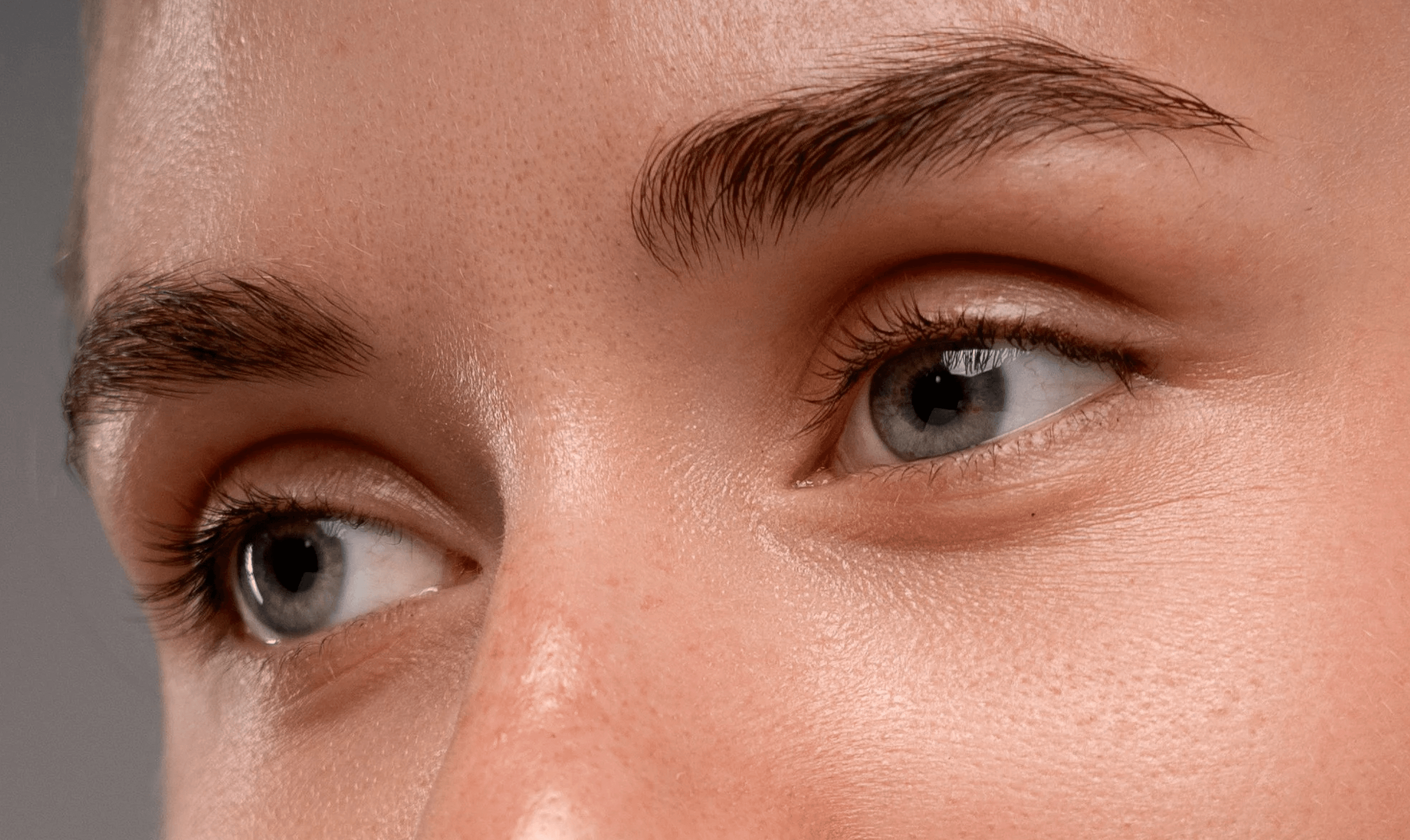
Images at full resolution
Retouched, not regenerated
What can change when a tool redraws your photo, and what Retouch.to leaves alone.
| Identity check | Generative regeneration | Retouch.to |
|---|---|---|
| Facial features | Can drift from the original | Left as shot |
| Moles and freckles | Kept only if the model decides to | Protected by a zone you paint |
| Skin texture | Can be replaced with generic texture | Pores and fine lines kept |
| Resolution | Not guaranteed to match | Exactly as uploaded |
| Consistency across a shoot | A different result on every run | Same settings across the queue |
Questions?
Frequently asked questions
Generative editors that redraw the whole image can, because they produce a new rendering rather than editing your file. Retouch.to only cleans the skin on your original image and leaves features, expression and likeness as shot.
It is an AI model, but it is used to clean skin on your original photo rather than to generate a new picture from a prompt. The output is your image with imperfections removed.
It preserves texture. The AI targets blemishes specifically (acne, redness, spots) without applying a skin-smoothing filter across the whole face. Pores, fine details, and the natural surface of skin remain visible in the final image.
Yes. Define protect zones over any area, such as moles and birthmarks, and the AI won't touch them. Mark them before you run the retouch, because an unmarked mole can be read as a blemish.
Because a wrong guess on a client's face isn't a bug you can patch later. It's a photo you can't undeliver. You mark what stays, so the AI only acts where you tell it to, on every image in the batch.
Light freckles are kept, but prominent freckles can be softened when they aren't protected. Paint a protect zone over them first, then check the result at 100% zoom.
Exactly what you uploaded. No downscaling, no compression, no hidden quality loss. Your files come back at the full pixel dimensions and file quality you put in.
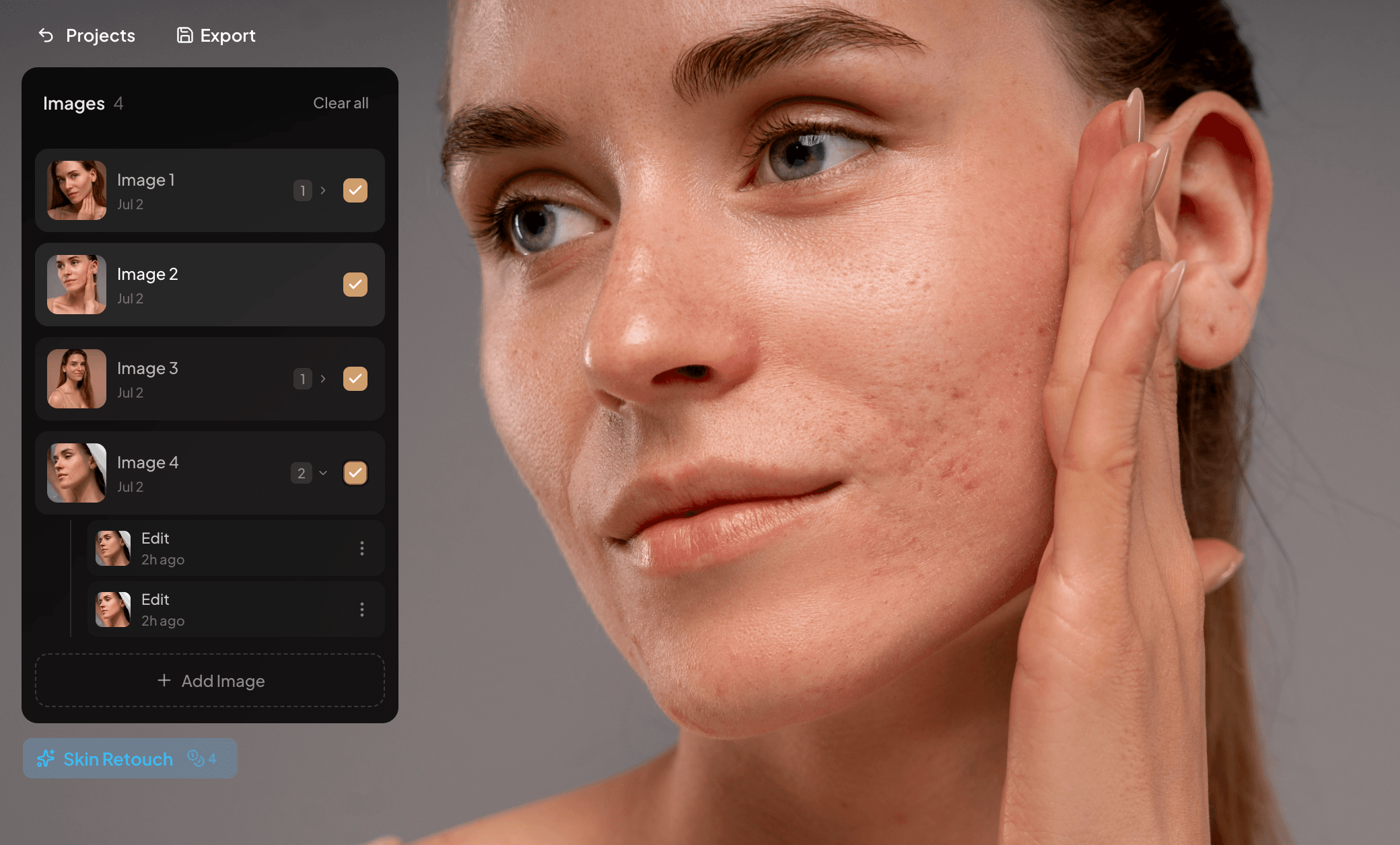
Upload multiple images to a project, queue them for retouching, and the AI processes them in the background. You can set up protect zones per image, or apply the same settings across the session. Each image costs 1 credit.
Yes. Retouch.to runs on self-hosted servers. Your images are never shared with third-party AI providers and never used to train any model.
Portrait sessions tend to be busy, or not. Top up credits any time, on top of your base plan. Top-up credits roll over month to month in case you don't spend them, and are available as long as your base subscription is active.