
The round-trip problem
Two apps to fix one photo
A portrait comes back a stop under, a little flat, and the skin needs work. So you grade it in Lightroom, export a JPEG, open it somewhere else to clean the skin, and if the exposure was wrong you start again. Then you do it for the other 40 images in the session.
Retouch.to puts the grade and the retouch on the same image. You judge the skin under the light you will actually deliver, and when one frame looks right, you send that edit to the rest of the shoot.
What you get
Every tool, none of the credits
Adjustments, looks and crops run in your browser. There is no upload, no queue and no charge. Move a slider and the photo updates as you drag.
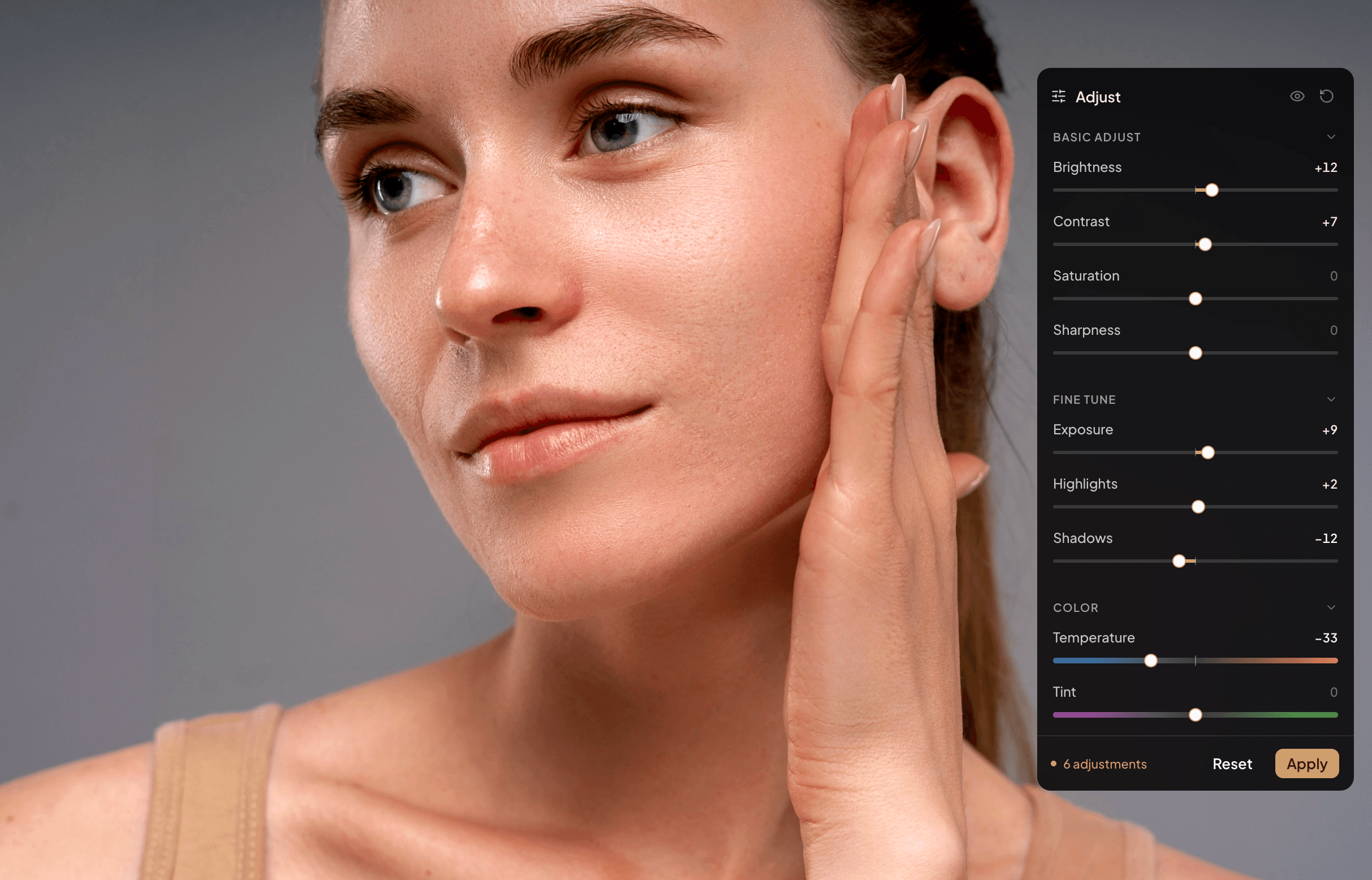
- Basic Adjust: brightness, contrast, saturation and sharpness.
- Fine Tune: exposure, highlights and shadows.
- Color: temperature and tint, for white balance that survived the venue lighting.
- Looks: Gold Hour, Noir, Heirloom, Teal & Orange, Linen, Sepia, Vivid and Cross Process, each with a strength slider. The sliders correct on top of the look.
- Crop and rotate: free or fixed ratios (1:1, 2:3, 3:2, 4:5, 5:4, 16:9, 9:16), plus straighten, rotate and flip.
- Hold to compare: press and hold to see the original under every edit, then let go.
Saved as you go, editable later
There is no Apply button to forget. Your sliders, look and crop are saved as settings on the image, not burned into a new copy of it. Come back next week and change one slider, or reset it. The crop stays editable even after an AI retouch.
Sync one edit to the whole shoot
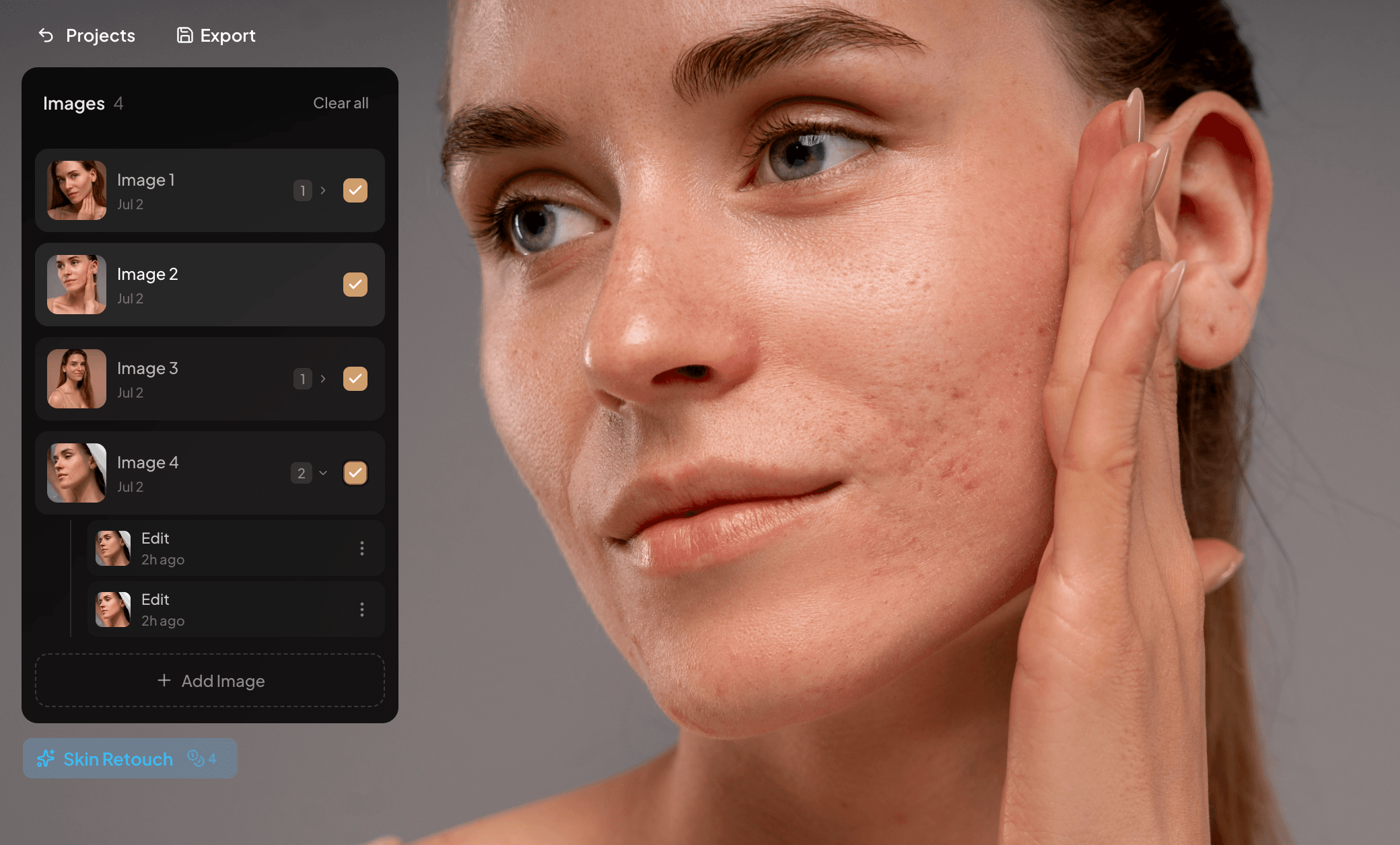
Adjust while you judge the skin
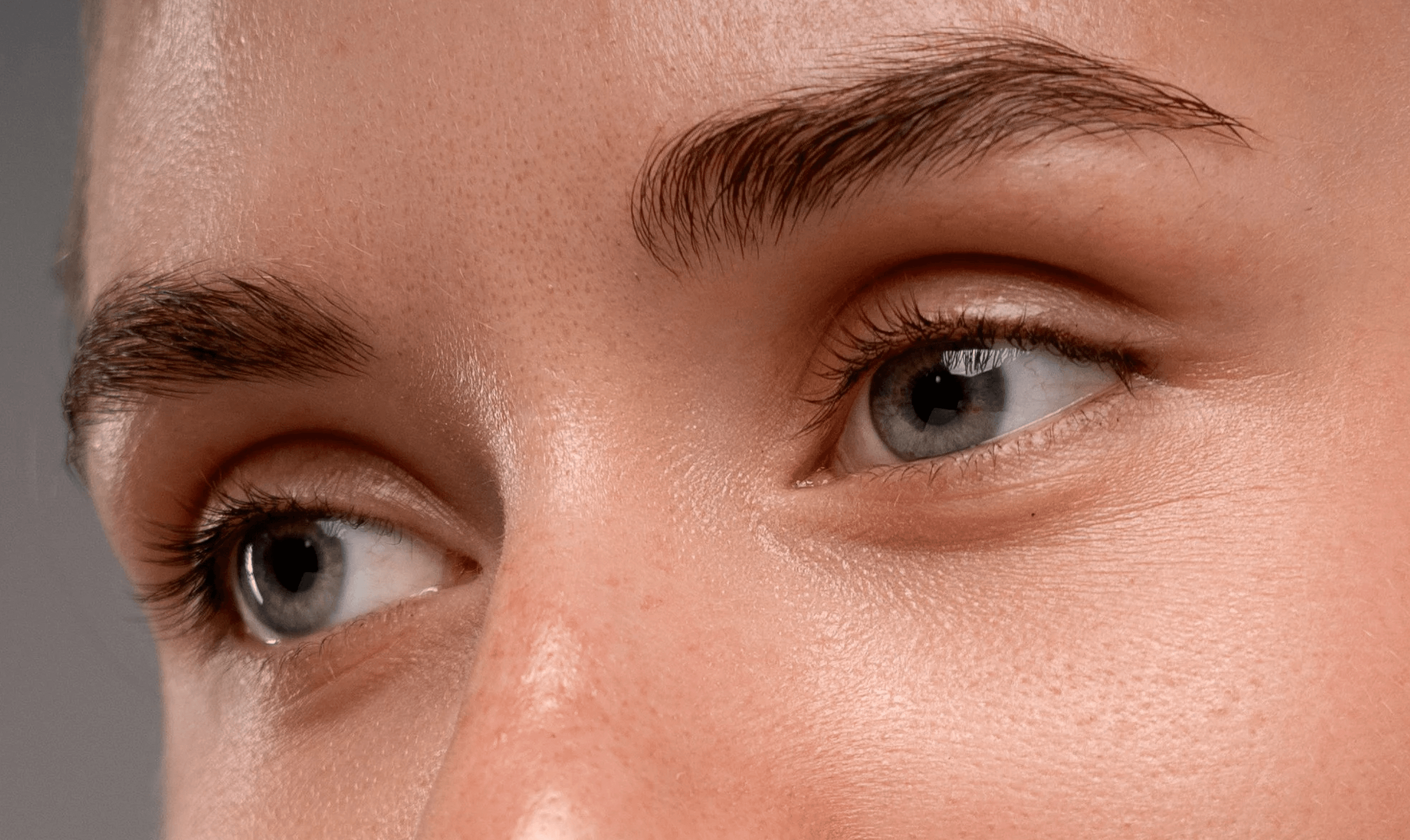
Out at the resolution it came in
Side by side
Against the usual round-trip
Retouch.to is not trying to replace a raw developer. It removes the export-and-reopen loop between grading a portrait and cleaning its skin.
| Task | Retouch.to | Lightroom + Photoshop round-trip |
|---|---|---|
| Exposure, contrast, white balance | Built in, free, unlimited | Separate app, then re-export |
| Looks and crop | Built in, synced across a selection | Presets in one app, crop per export |
| Remove blemishes | One click, seconds | Healing brush, 10 to 20 minutes an image |
| Keep moles and freckles | Mark them with the protect brush first | Manual masking, every frame |
| A whole shoot | Sync the grade, queue the retouch | Sync settings, then retouch by hand |
| Export resolution | Exactly what you uploaded | Whatever the export preset says |
| Cost | $9/mo for 200 retouch credits. Adjustments, looks and crop are free | Creative Cloud subscription |
Questions?
Frequently asked questions
Yes. Edit one image, select the others, and sync. You choose which parts travel: the look, the Basic Adjust, Fine Tune or Color sliders, or the crop. You can also apply a look, crop to a ratio, reset or export across a selection in one step.
Both. Every image has brightness, contrast, saturation, sharpness, exposure, highlights, shadows, temperature and tint, plus eight built-in looks and crop and rotate.
No. AI retouches and spot healing use credits. Sliders, looks, crop and sync do not. They run in your browser, so there is no upload and no waiting.
Yes. Adjustments, looks and crops are saved as settings on the image, not burned into it. Reopen the panel any time to change a slider or reset everything. The crop can still be changed after an AI retouch.
No, and it is not meant to be. Develop your raw files where you already do, then bring a JPEG or PNG here for the skin work and any final correction to light and color. What it replaces is the second round-trip out to Photoshop.
No. Edits are applied at full size and the file exports at the exact resolution you uploaded, with no downscaling and no hidden compression.
/billed monthly
+ VAT where applicable
200 credits / month
Everything included
- AI skin retouch — automatic, one click (1 credit)
- Manual spot healing — precise blemish removal (1 credit)
- Unlimited projects
- 2 GB project storage
- Email support
- Top up credits anytime
Try for FREE, cancel anytime.
Need more credits? Top-ups start at $4 for 100.