Back to home

Blemish, acne and pimple removal

AI Blemish Remover That Cleans Skin Without Redrawing the Photo

Remove blemishes, acne and pimples with AI that edits your original photo instead of generating a new one. Pores, moles and full resolution stay as shot.

Blemishes and pimplesAcne and rednessOriginal resolution
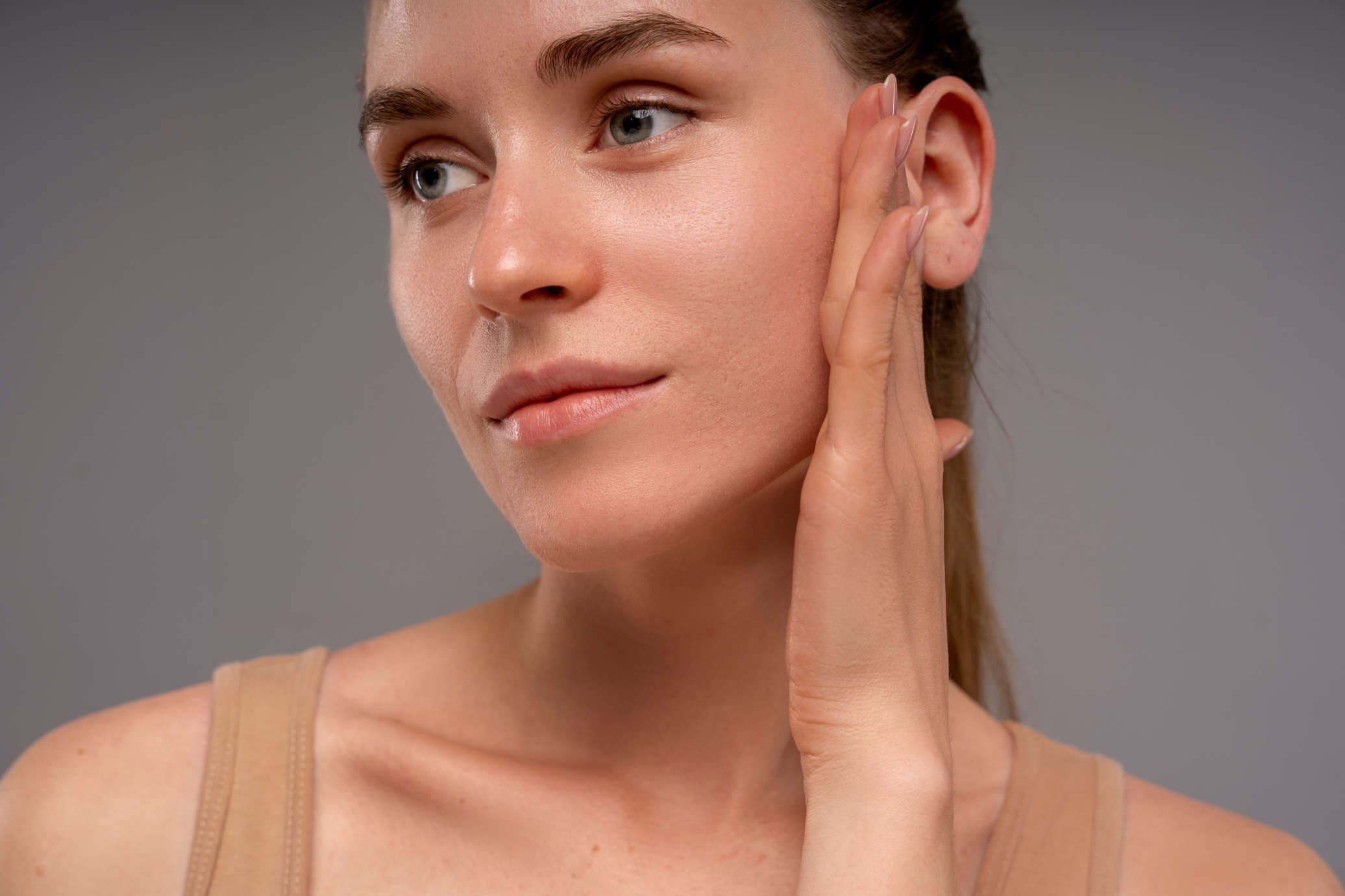
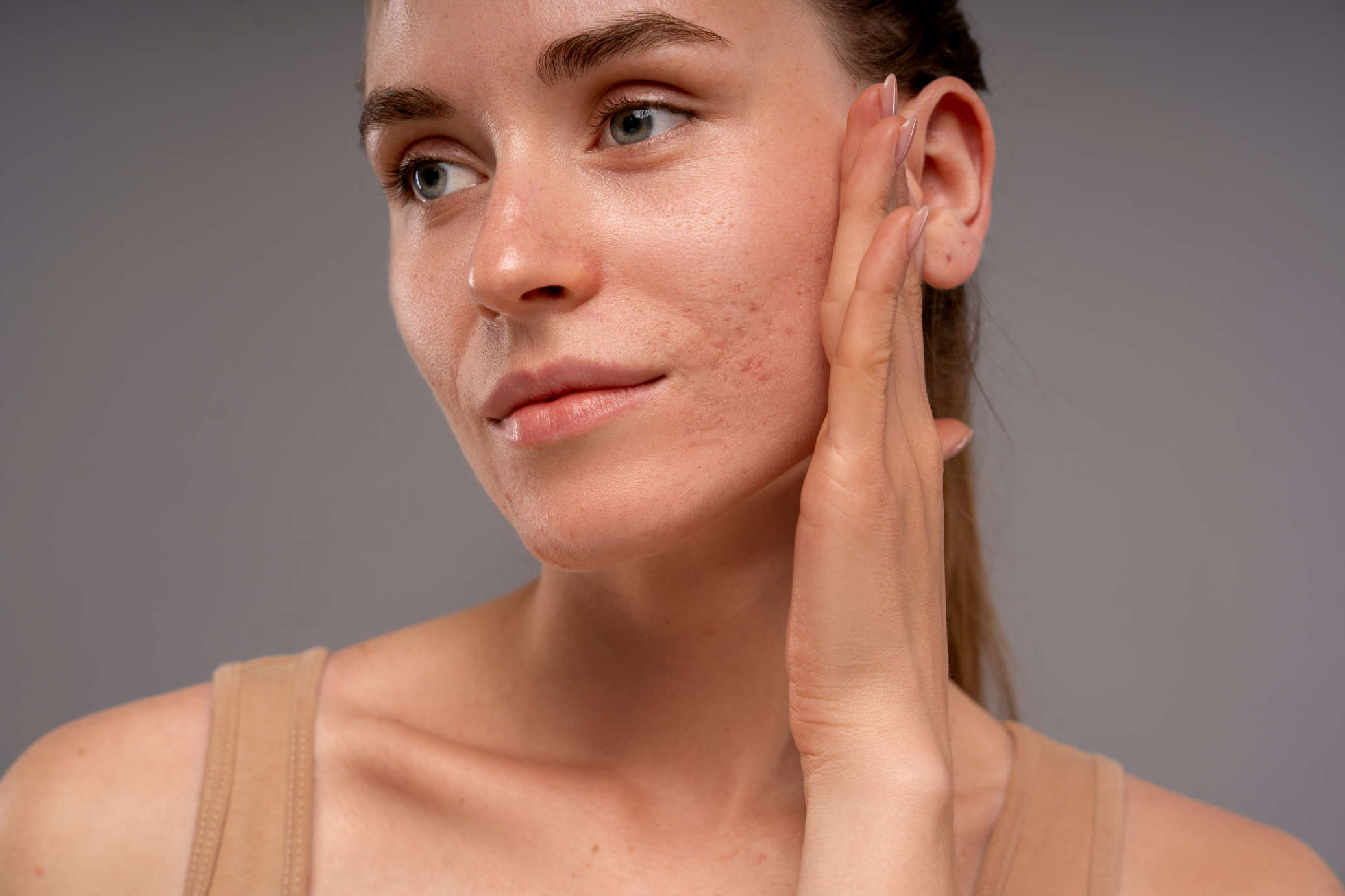
Before
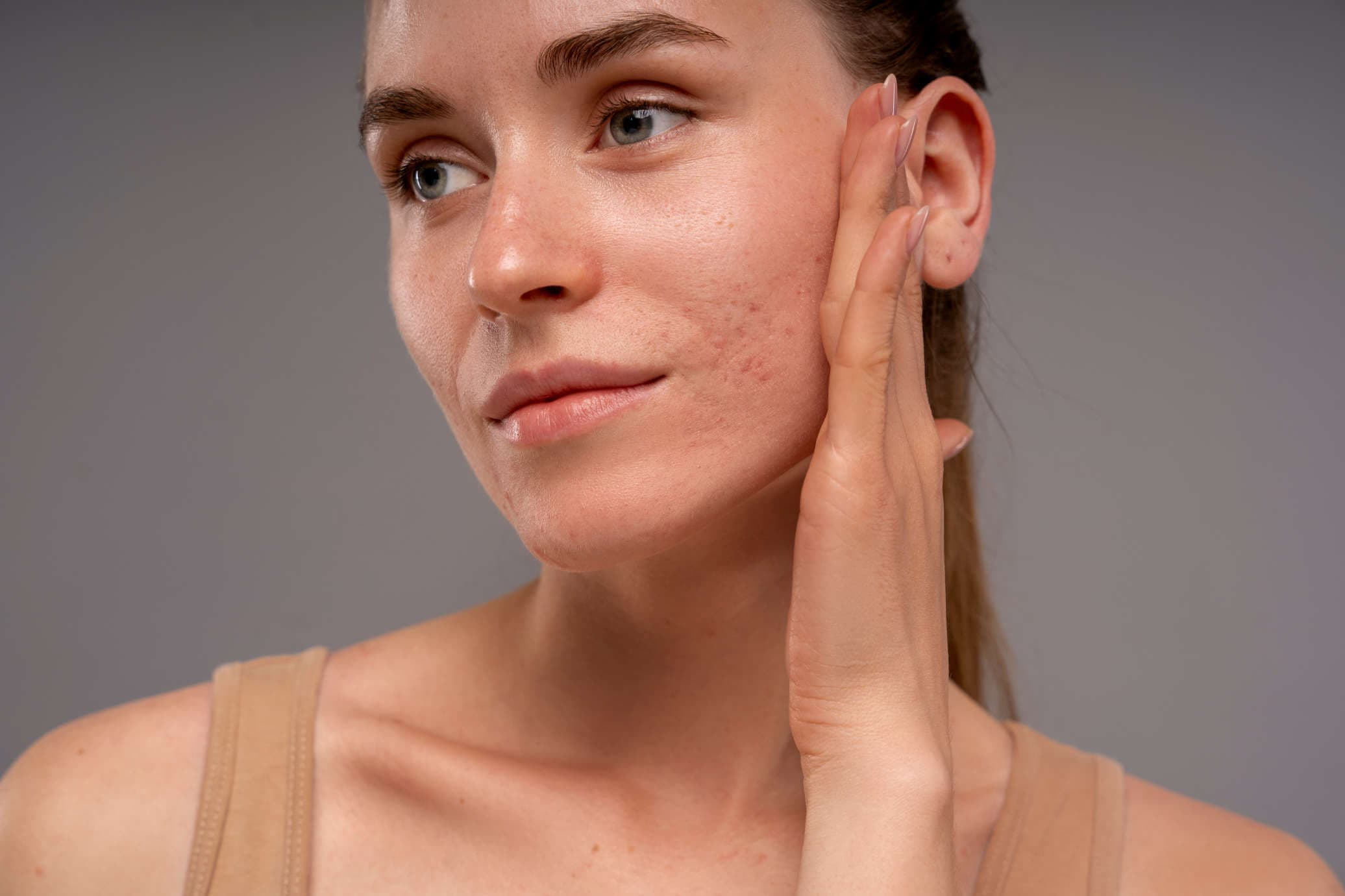
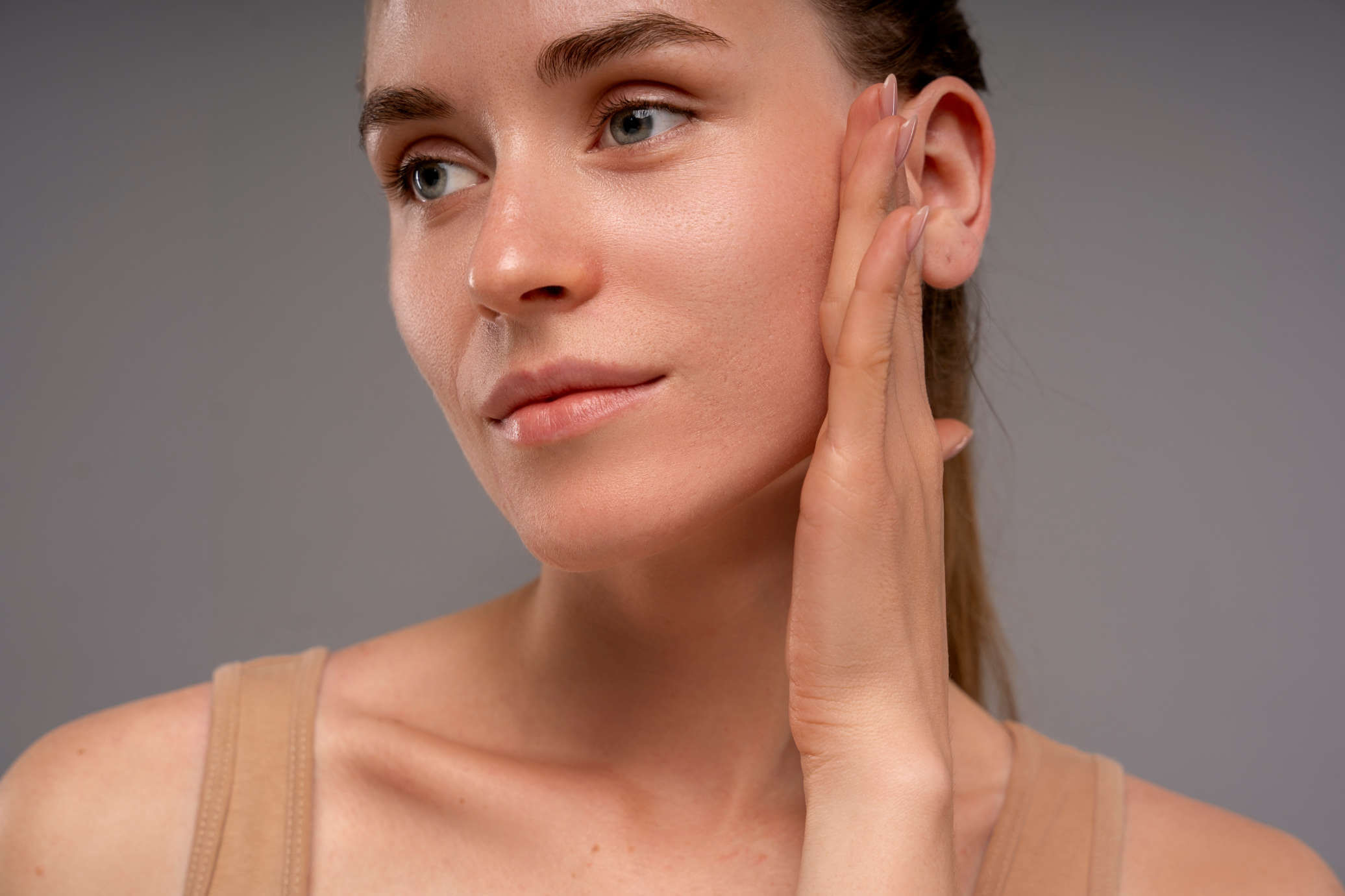
After

One click removes blemishes. The rest of the face is left as shot.

How it works

Blemishes removed, the rest of the face left alone

The AI cleans the skin on your original photo in one click. Two brushes cover the rest: one for spots it missed, one for marks it should never touch.

01

One-click blemish removal

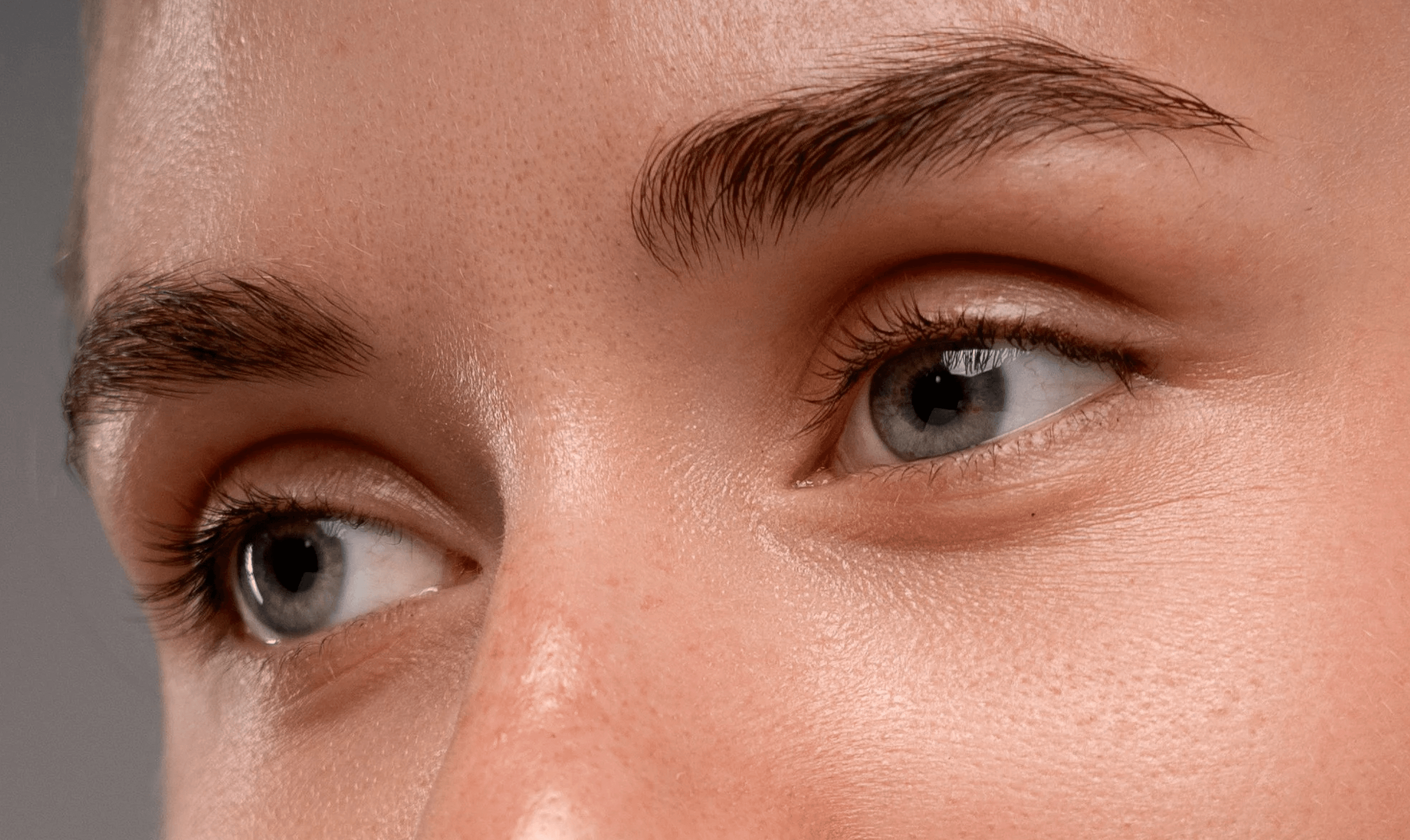
The AI finds pimples, blemishes, red spots and uneven tone on your original photo and cleans them. No smoothing filter is applied over the whole face, so pores and fine lines stay visible.
skin-details-preserved-with-protect-area
02

Acne and redness

Breakouts and redness are cleaned and evened out while the natural surface of the skin stays in place.
AI skin retouch after
03

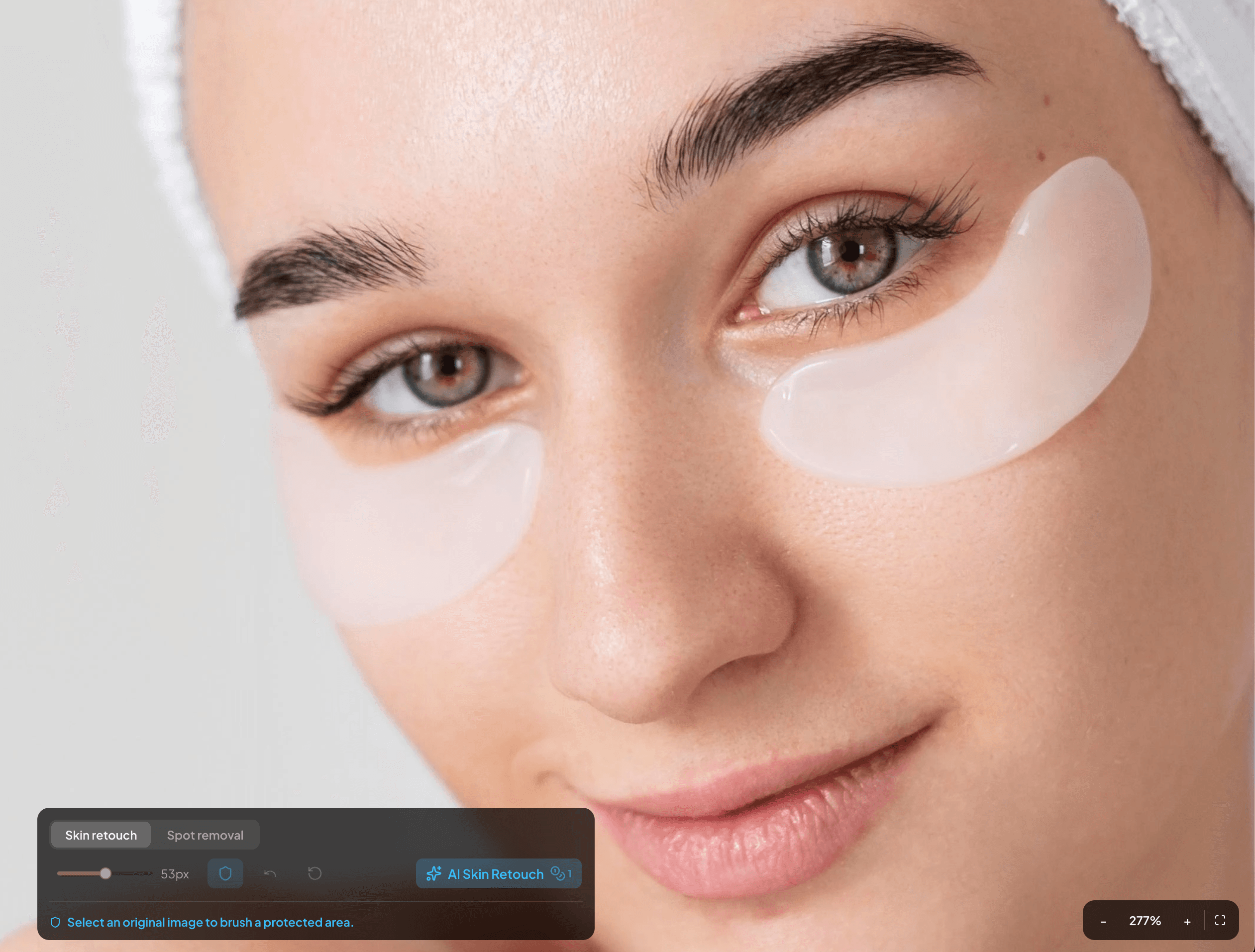
Healing brush for missed spots

Paint over any spot the AI missed for precise manual removal (1 credit).
AI skin retouch before
04

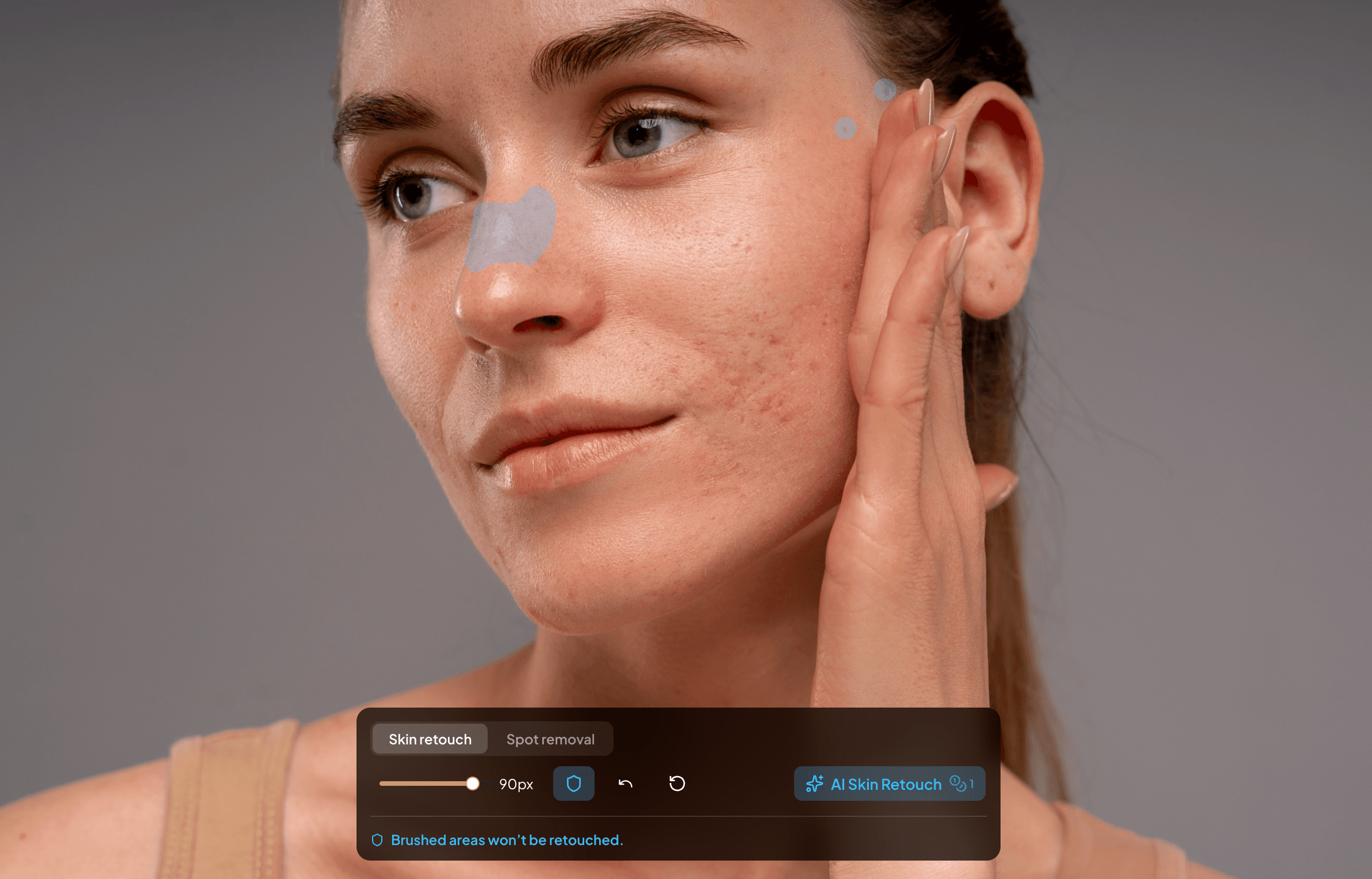
Protect brush

Paint a protect zone over a mole, scar or freckle before you run the retouch and the AI leaves it alone. Mark anything permanent first, because an unmarked mole can be read as a blemish.
Preserve skin spots with protect brush.
05

Original resolution

The retouched photo is exported at the same pixel dimensions as your upload. No downscaling, no hidden compression.
Full resolution export

Questions?

Frequently asked questions

You get 5 free retouches with no credit card. After that, the plan starts at $9 a month for 200 credits, and AI skin retouch costs 1 credit per image.

No global smoothing filter is applied. The AI targets blemishes, red spots and uneven tone, so pores, fine lines and natural skin texture stay visible.

Not if you protect them. Paint a protect zone over any mole, scar or freckle before you run the retouch. Unmarked areas are treated as normal skin, and prominent freckles can be softened.

Yes. It removes acne and redness on your original photo while leaving pores and texture in place. Check the result at 100% zoom and use the healing brush on any spot it missed.

Upload a JPEG or PNG. For RAW files, export a JPEG or PNG from your RAW editor first.

Remove blemishes from your own photo

5 free retouches, no credit card. Compare the result to your original.